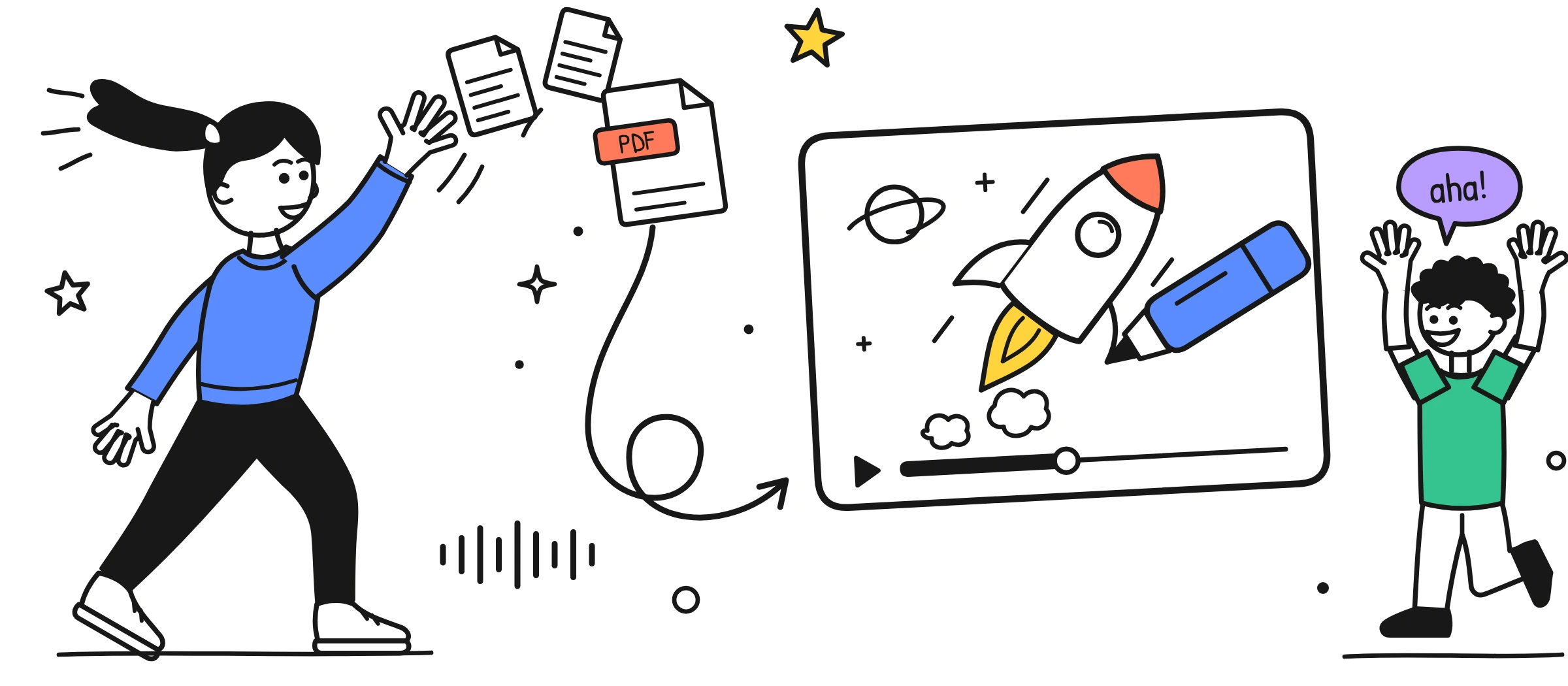
What you get from one PDF
Most PDFs at work are long, careful and rarely read: a policy, a product guide, a report, a set of lecture notes. Sketchflare turns that document into a short video that walks through the main points in order, with a drawing for each idea. The script is written from your text, so the video says what your document says, only shorter and in spoken language.
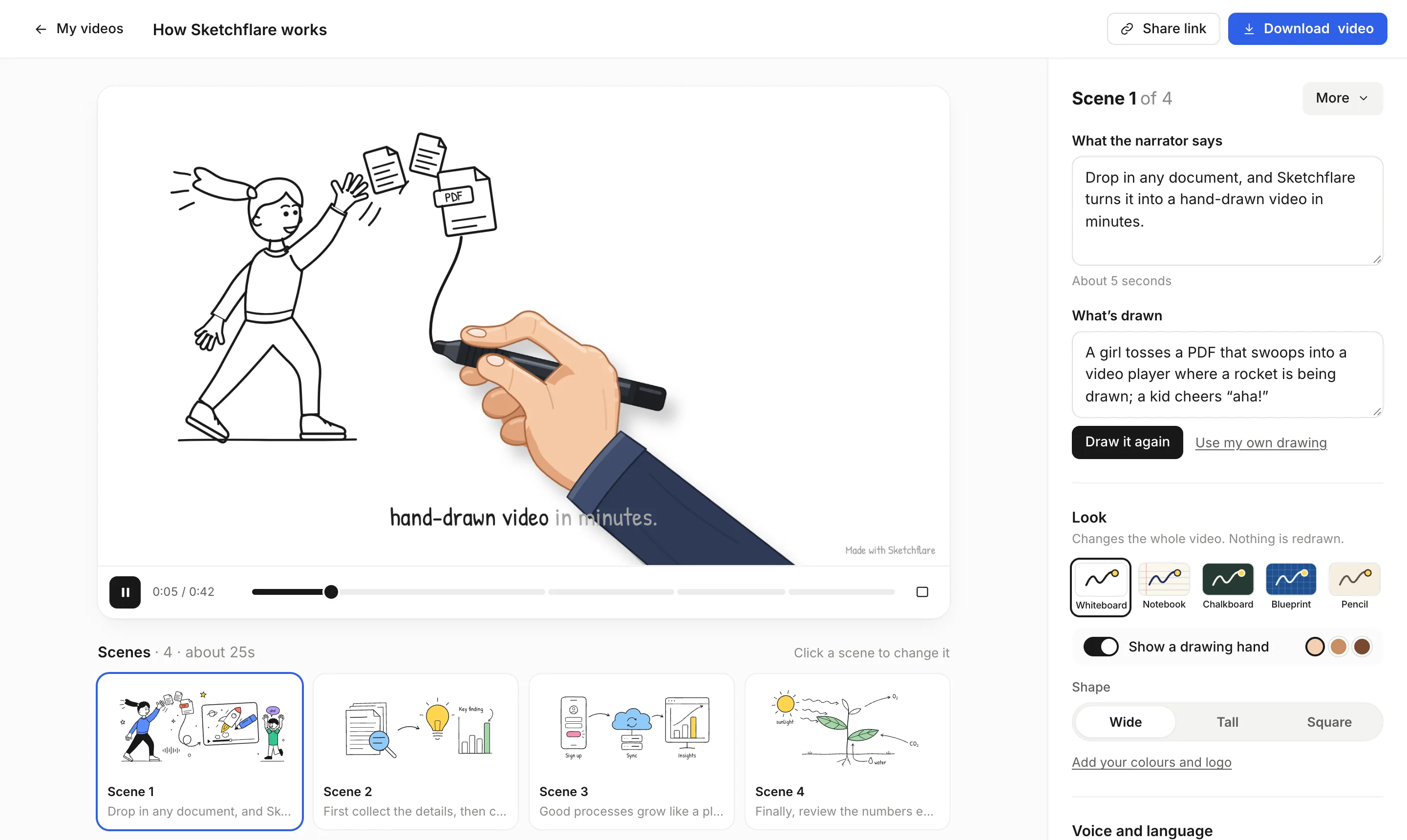
- A script split into scenes. Each scene has the words the narrator says and a plain description of what is drawn.
- A drawing for every scene. Line art drawn outlines first, then details, with labels next to what they describe.
- A voice-over in one take. Choose one of six narrators, or no voice for a captions-only video.
- Word-by-word captions. Highlighted as the narrator speaks, and downloadable as .srt or .vtt files.
A sample script from a 12-page PDF
Here is the kind of script you might get from a 12-page internal guide on expense claims, set to about 1 minute. You can rewrite any line in the editor.
Scene 1. Says Spent your own money on a work trip? Here is how to get it back, in four steps.
Drawn A wallet with a paper plane flying out of it towards an office building.
Scene 2. Says First, keep every receipt. A photo on your phone is fine, as long as the date and total are clear.
Drawn A phone taking a photo of a receipt, with the date and total circled.
Scene 3. Says Second, submit your claim within 30 days of spending the money. Late claims go to your manager for approval.
Drawn A calendar with day 30 circled and an arrow pointing to a manager at a desk.
Scene 4. Says Third, pick the right category: travel, meals, accommodation or equipment.
Drawn Four labelled boxes: travel with a train, meals with a plate, accommodation with a bed, equipment with a laptop.
Scene 5. Says Fourth, check the limits. Meals have a daily cap, and hotels need to be booked through the travel desk.
Drawn A plate with a small gauge next to it, and a hotel with a booking desk beside it.
Scene 6. Says Approved claims are paid with your next salary. Questions? Ask the finance team.
Drawn A payslip with a tick, and a speech bubble labelled Finance.
The figures above come from the sample guide, not from Sketchflare. Your video will use the numbers and rules in your own document, which is why reviewing the script matters (more on that below).
How to turn a PDF into a video
- Upload your document. PDF, TXT or Markdown. If you already have a finished script, choose “Paste my script” instead and every word you wrote is kept.
- Pick the options. Look (Whiteboard, Notebook, Chalkboard, Blueprint or Pencil), Voice (six narrators or no voice), Length (about 30 seconds, 1, 2, 3, 5 or 10 minutes), Shape (Wide 16:9, Tall 9:16 or Square 1:1) and Language (16 to choose from).
- Press “Make my video”. A typical 1 to 3 minute video takes a few minutes.
- Review the scenes. Each scene card shows what the narrator says and what is drawn. Edit the words, change the drawing description and press “Draw it again”, or upload your own SVG with “Use my own drawing”.
- Download or share. Get an MP4, subtitles as .srt or .vtt, a SCORM 1.2 package on Pro and Team, or a share link that anyone can watch without an account. Rendering happens in your browser, so there is no render queue.
There is a fuller walkthrough in Start from a PDF or script and a broader guide in How to turn a PDF into a video.
Choosing the length for your PDF
Length decides how much of the document makes it into the video. A short video picks the few points that matter most; a longer one covers more detail. As a rough guide:
| Your PDF | Good length | Why |
|---|---|---|
| A one-page notice or policy update | About 30 seconds to 1 minute | One message, one action |
| A 5 to 15 page guide or procedure | 2 to 3 minutes | Room for each main step without padding |
| A long report or handbook | 5 minutes, or several shorter videos | Split by chapter so each video has one job |
| Lecture notes or a course module | 3 to 10 minutes | Enough time to explain, not just list |
For long documents, one video per section usually works better than squeezing everything into one. Our post on how long a training video should be goes into this.
What to check before you publish
The AI writes from your text, but it shortens and rephrases, so read the script before anyone else sees the video. A five-minute check catches most problems.
- Numbers, dates and names. Compare every figure in the narration with the PDF. Shortening can drop a condition such as “unless approved”.
- Anything that came from a chart or table. These are not read from the PDF, so the script may not mention them. Add a line if they matter.
- Tone. A policy video can sound friendlier than the policy, but it should not promise more than the document does.
- Labels in drawings. Check spelling and that each label sits next to the right thing. Edit “What's drawn” and redraw if needed.
- Captions. Keep them on for viewers who watch without sound or who are deaf or hard of hearing, and attach the .vtt or .srt file wherever you host the video.
Which plan you need
Prices are in US dollars per month, as of October 2026. Commercial use is allowed on every plan.
| Plan | Price | Good for |
|---|---|---|
| Free | $0 | Trying a PDF or two: 3 video minutes a month, 30 AI drawings, 720p with a small “Made with Sketchflare” mark |
| Pro | $49 a month | Regular use: 60 video minutes, 600 AI drawings, Full HD 1080p with no mark, translations, brand kit and SCORM export |
| Team | $99 per person a month | Heavy use: 240 video minutes per person, everything in Pro, priority support |
If the video is going on a website, into a course or in front of customers, Pro is usually the right fit because it removes the mark and adds 1080p. See pricing for the full list.
Questions
Can I convert a PDF to a video for free?
Yes. The Free plan gives you 3 video minutes a month and 30 AI drawings with no credit card. Free videos download in 720p with a small “Made with Sketchflare” mark.
Does Sketchflare read images, charts or scanned PDFs?
No. Sketchflare extracts the text from your PDF, so charts, photos and scanned pages are not read. Text-based PDFs work best; describe important figures in words or add a scene for them yourself.
Will the video use my exact wording?
When you upload a PDF, the AI writes a shorter spoken script from it. If you want every word kept, choose “Paste my script” and paste your own text instead.
How long does it take to make a video from a PDF?
A typical 1 to 3 minute video takes a few minutes to make. There is no render queue for downloads either, because rendering happens in your browser.
Can I make the video in another language than the PDF?
Yes. Pick any of the 16 languages before you make the video. On Pro and Team you can also make a translated copy of a finished video with “Make a copy in…”.