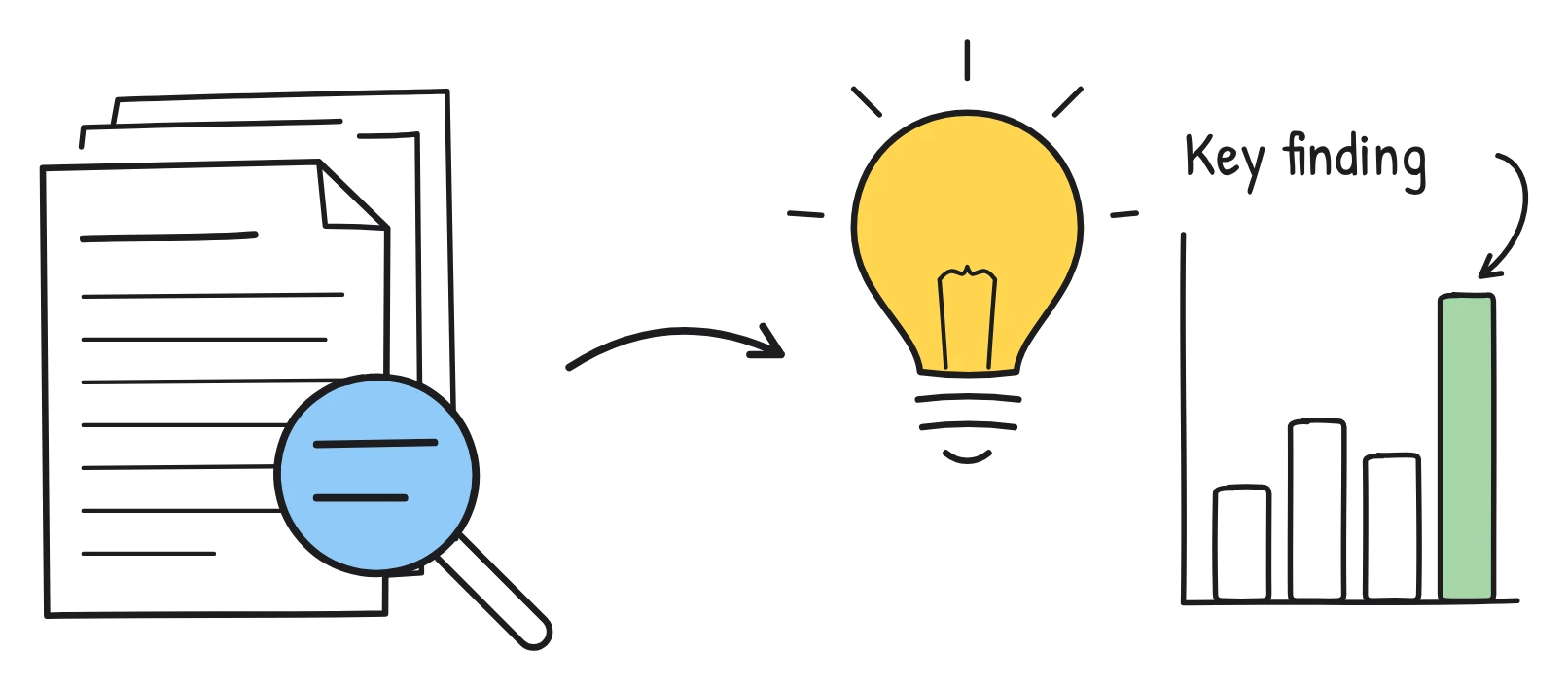
Who uses research summary videos
Most research is read in full by a small number of people. A 2 minute summary reaches the rest: colleagues in other fields, funders, policy teams, journalists, students and the public. Whiteboard drawings suit this well, because they show the idea of a method or result without needing the reader to decode a figure.
- Researchers and PhD students: a summary for a project page, a conference, a lab website or a public engagement event.
- Analysts and insight teams: a short video of a long internal report, so people who won't read 40 pages still get the main findings.
- Science communicators: explainers of new studies for a general audience, in wide or tall shapes.
- Lecturers: a quick walk-through of a key paper before a seminar.
A sample summary script
Here is a 1 minute script for a made-up study, written in the style Sketchflare produces from a paper's text. The study and its findings are invented for illustration.
Scene 1. Says Can ten minutes of reading aloud a day help children learn new words? That's the question this study asked.
Drawn A child reading a book aloud, with small speech bubbles of words floating up, and a question mark.
Scene 2. Says Researchers worked with primary schools over one school year. Some classes added a short daily reading session; others kept their usual timetable.
Drawn Two classrooms side by side, one with a clock showing ten minutes and an open book, one without.
Scene 3. Says At the start and end of the year, children took the same vocabulary test.
Drawn Two test papers labelled Start and End, with an arrow between them.
Scene 4. Says Children in the reading classes learned more new words than those in the other classes.
Drawn A simple bar chart with two bars labelled Reading sessions and Usual timetable, the first taller.
Scene 5. Says The authors are careful: schools chose whether to take part, so the result may not hold everywhere.
Drawn A magnifying glass over a small sign labelled Limitations.
Scene 6. Says Next, they plan a larger trial with classes chosen at random. The full paper is linked below.
Drawn A lightbulb above a stack of papers, with an arrow pointing down to a link.
Notice the fifth scene. A good research summary says what the study can't show as well as what it found. If the AI draft leaves limitations out, add a scene for them.
How to turn a paper into a video
- Start from the text. Upload the paper or report as a PDF, TXT or Markdown file. Text-based PDFs work best; charts, figures and scanned pages are not read, so if a key result lives in a figure, describe it in a sentence. For tighter control, paste the abstract and conclusion, or write a plain-language summary and use “Paste my script” to keep every word.
- Pick the options. Blueprint (white lines on an engineer's grid) suits science and engineering; Pencil feels calm and editorial; Whiteboard is the safe default. Daniel (calm presenter) or Alice (clear, confident), both British, suit research. Choose a length (1 or 2 minutes is plenty for most summaries), a shape and one of 16 languages.
- Check every scene. In the editor, compare “What the narrator says” with the paper. Fix any overstatement, add the sample or context, and rewrite “What's drawn” then press “Draw it again” if a drawing implies something you didn't find. You can also upload your own SVG figure with “Use my own drawing”.
- Share it. Turn on a share link that anyone can watch without an account, or download an MP4 with .srt and .vtt subtitles for your website, a talk or social media.
For more on working from documents, see PDF to video and how to turn a PDF into a video.
What to check before you publish
Summarising research means choosing what to leave out, and that is where errors creep in. Go through this list before you share.
- Claims match the evidence. Watch for “proves”, “causes” or “always” where the paper says “suggests”, “is associated with” or “in this sample”.
- Numbers. Check every figure, sample size and unit against the paper, especially anything that came from a table or chart, which the AI does not read.
- Limitations. Keep at least one sentence on what the study can't tell us.
- Credit and link. Name the authors and link the paper in the final scene or alongside the video. If you're summarising someone else's paper, check what its licence allows.
- Drawings. A bar chart in a drawing is an illustration, not data. Make sure it doesn't suggest a bigger or smaller effect than the paper reports.
- Captions. Keep captions on and upload the .vtt or .srt file wherever you host the video.
Which plan you need
| Plan | Price (as of October 2026) | Fits |
|---|---|---|
| Free | $0 | One or two short summaries a month: 3 video minutes, 30 AI drawings, 720p with a small mark |
| Pro | $49 a month | Regular summaries: 60 video minutes, Full HD, no mark, brand kit for your lab or organisation, translations |
| Team | $99 per person a month | Communications or insight teams producing many videos: 240 video minutes per person, priority support |
A researcher making the occasional summary can often stay on Free. Choose Pro if the video goes on an official page without a mark, needs your organisation's colours and logo, or needs translating for international audiences. See pricing.
Questions
Can AI turn a research paper into a video?
Yes. Upload the paper as a PDF and Sketchflare writes a plain-language script, draws each scene and records a voice-over. Always check the script against the paper before sharing.
Does Sketchflare read the figures and tables in my paper?
No. It reads the text of the PDF, so charts, figures and scanned pages are not used. Describe key results in words, or upload your own SVG drawing for a scene.
How long should a research summary video be?
One to two minutes covers the question, method, main finding and a limitation for most papers. Use 3 to 5 minutes for a report with several findings.
Can I use my own plain-language summary instead?
Yes. Choose “Paste my script” and Sketchflare keeps every word you wrote, drawing a scene for each part.
Can I make the summary in another language?
Yes. Choose from 16 languages before you make the video, or on Pro and Team make a translated copy of a finished one with “Make a copy in…”.