Why a whiteboard video for compliance
Compliance topics are important and dry: data protection, information security, anti-bribery, health and safety, harassment, expenses. The policy document is usually accurate and long. A whiteboard video keeps the same rules but shows them one at a time, with a simple drawing for each, so people can follow along without reading twelve pages.
Because Sketchflare starts from your document, the video is built on your rules, your thresholds and your contacts, not generic stock content. You stay in control of every word the narrator says.
A sample compliance script: spotting phishing emails
This is the kind of 1 minute script you might get from a short information security policy. Every scene can be rewritten or redrawn.
Scene 1. Says Most attacks on a company don't start with hacking. They start with an email that looks normal.
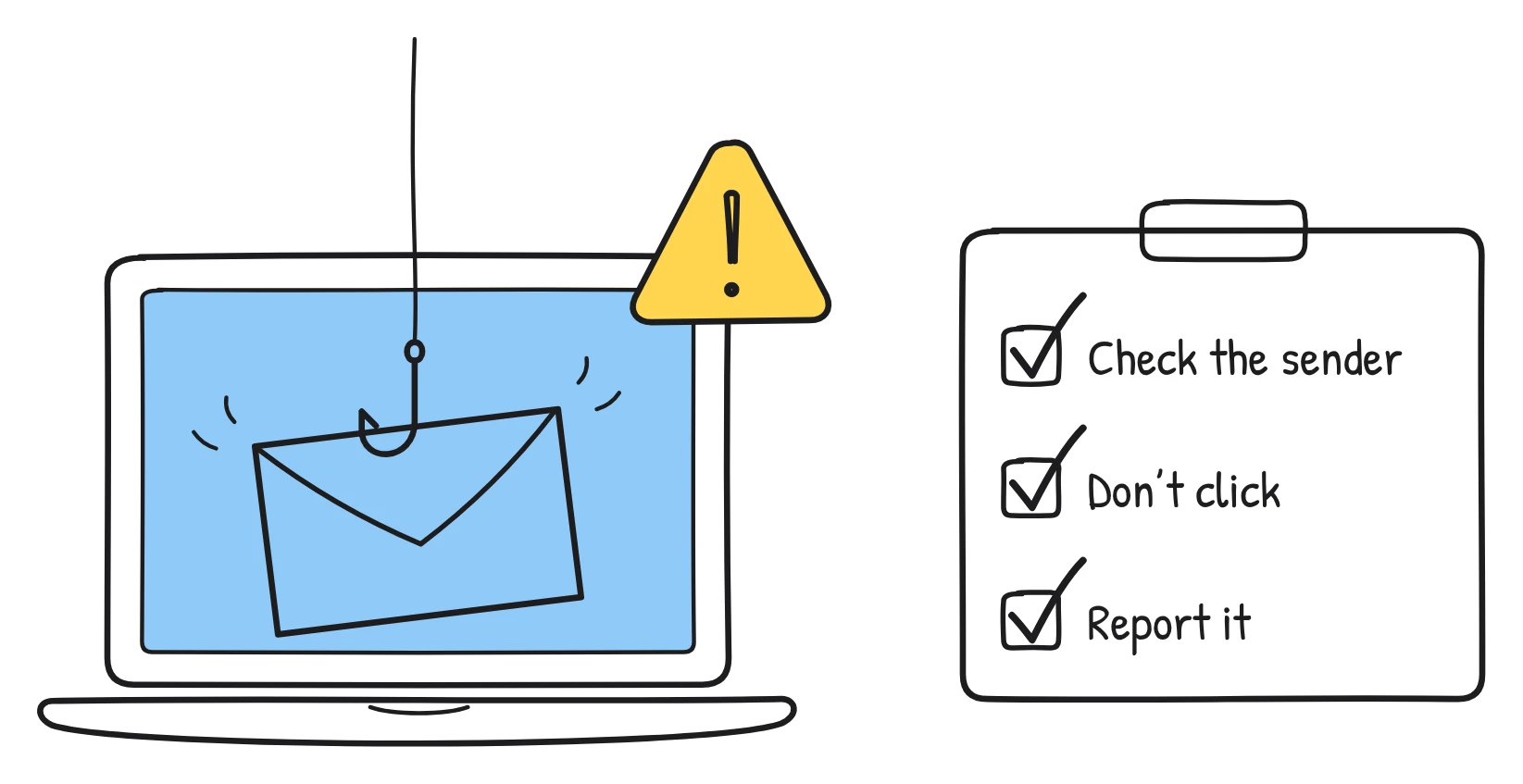
Drawn A laptop showing an inbox, with one email that has a small fishing hook coming out of it.
Scene 2. Says Check the sender. A name you know with an address you don't is the first warning sign.
Drawn An email header with the sender's name circled and the odd-looking address underlined.
Scene 3. Says Watch for pressure. Words like urgent, today only or your account will be closed are there to rush you.
Drawn A ticking clock next to a speech bubble labelled Urgent!
Scene 4. Says Hover before you click. If the link goes somewhere unexpected, don't open it.
Drawn A mouse pointer hovering over a link, with a small pop-up showing a strange web address.
Scene 5. Says Never send passwords or payment details by email, even to someone who says they are from IT or finance.
Drawn A padlock with a crossed-out envelope next to it.
Scene 6. Says Not sure? Use the Report phishing button. Reporting a real email by mistake is always fine.
Drawn A checklist with three ticks and a button labelled Report phishing.
For more topics that work well in this format, see compliance training video ideas.
How it works for compliance teams
1. Start from your policy
Upload the policy as a PDF, TXT or Markdown file. Text-based PDFs work best, because Sketchflare reads the text rather than scanned pages or charts. If legal has already approved a script, choose “Paste my script” and every word is kept exactly as written.
2. Pick the look, voice, length and shape
- Look: Whiteboard is the classic choice for training. Blueprint suits security and engineering topics; Notebook feels lighter for everyday rules.
- Voice: Daniel (calm presenter, British) or Brian (deep, reassuring, American) suit serious topics. Choose “No voice” for a captions-only video.
- Length: about 30 seconds for a reminder, 2 to 3 minutes for one policy, 5 or 10 minutes for an annual refresher.
- Shape: Wide 16:9 for an LMS or intranet, Square 1:1 for an internal feed.
- Language: any of 16 languages, so regional teams can get the video in their own.
3. Review and edit every scene
The editor shows a card for each scene with “What the narrator says” and “What's drawn”. Change wording, fix a threshold, rewrite a drawing description and press “Draw it again”, or upload your own SVG. You can add, move or delete scenes, and change the look, voice or shape for the whole video. See editing scenes and narration.
4. Export to your LMS or share it
On Pro and Team, download a SCORM 1.2 package and upload it to Moodle, TalentLMS, Docebo or most other LMSs. It reports completion when about 90% of the video has been watched. You can also download an MP4 with .srt or .vtt subtitles, or share a link that anyone can watch without an account. More in SCORM video for your LMS.
What to check before you publish
A compliance video is only useful if it is right. Treat the AI draft like a first draft from a new colleague: helpful, but not signed off.
- Rules and thresholds. Check every number, deadline and limit against the policy. A shortened sentence can lose an exception.
- Who to contact. Make sure names, mailboxes and reporting routes are current.
- Sign-off. Have the policy owner, and legal where needed, approve the final script. Pasting an approved script keeps every word.
- Tone. Sensitive topics such as harassment or whistleblowing need care. Read the narration aloud and soften or firm up lines as needed.
- Captions and accessibility. Keep captions on and attach the .vtt file in your player or LMS. WCAG 2.2 lists captions for prerecorded video as a Level A success criterion.
- Version and date. Note the policy version in the final scene, so it's clear which rules the video covers.
Which plan you need
| Plan | Price (as of October 2026) | Best for |
|---|---|---|
| Free | $0 | Testing one short policy video: 3 video minutes a month, 720p with a small mark |
| Pro | $49 a month | One person running compliance training: 60 video minutes, Full HD, no mark, SCORM 1.2, brand kit, translations |
| Team | $99 per person a month | Larger programmes: 240 video minutes per person, everything in Pro, priority support |
Most compliance teams need Pro, because SCORM export, 1080p without a mark and the brand kit (your marker colour, accent colours and logo on every frame) are what make a video ready for an LMS. Translations are on Pro and Team too. Full details on pricing.
Questions
Can I use my existing compliance policy as the source?
Yes. Upload it as a PDF, TXT or Markdown file and Sketchflare writes a script from it. Text-based PDFs work best, as scanned pages and charts are not read.
Will the video track completion in our LMS?
Yes, with the SCORM 1.2 export on Pro and Team. The package reports completion when about 90% of the video has been watched. Sketchflare does not include quizzes, so add any assessment in your LMS.
How long should a compliance training video be?
Short enough to cover one policy well: often 2 to 3 minutes, with a 30-second version for reminders. Sketchflare offers lengths from about 30 seconds up to 10 minutes.
Can we keep the exact wording legal approved?
Yes. Choose “Paste my script” and Sketchflare keeps every word you wrote, drawing scenes to match. You can still edit any line afterwards.
Can I add our logo and brand colours?
On Pro and Team, the brand kit sets the marker colour, up to three accent colours and a logo drawn in a chosen corner of every frame.