What makes a good compliance training video?
A good compliance training video teaches one behaviour, shows it in a situation your staff recognise, and tells them exactly what to do next. Most compliance courses fail because they try to cover a whole policy at once. People remember the email that looked slightly wrong, the gift that felt too generous or the colleague who made a joke that wasn't funny. They rarely remember clause 4.2.
There are good reasons to get this right. Several laws and regulators expect staff to be trained. Under the GDPR, the data protection officer's tasks include monitoring the “awareness-raising and training of staff” involved in processing personal data (Article 39). The UK government's Bribery Act guidance lists communication, including training, as one of six principles for preventing bribery. The Health and Safety Executive says employers must give workers clear instructions and information, plus adequate training and supervision. And since 26 October 2024, UK employers have had a legal duty to take reasonable steps to prevent sexual harassment of their employees.
Which compliance topics work best as short videos?
The topics that work best are ones where a single wrong decision causes the damage: clicking a link, accepting a gift, sending a file to the wrong person, staying silent. Each idea below has an angle (the situation the video is built around), a suggested length and a look. The looks are the five drawing styles in Sketchflare, but the angles work whatever tool you use.
| Topic | The angle | Length | Look |
|---|---|---|---|
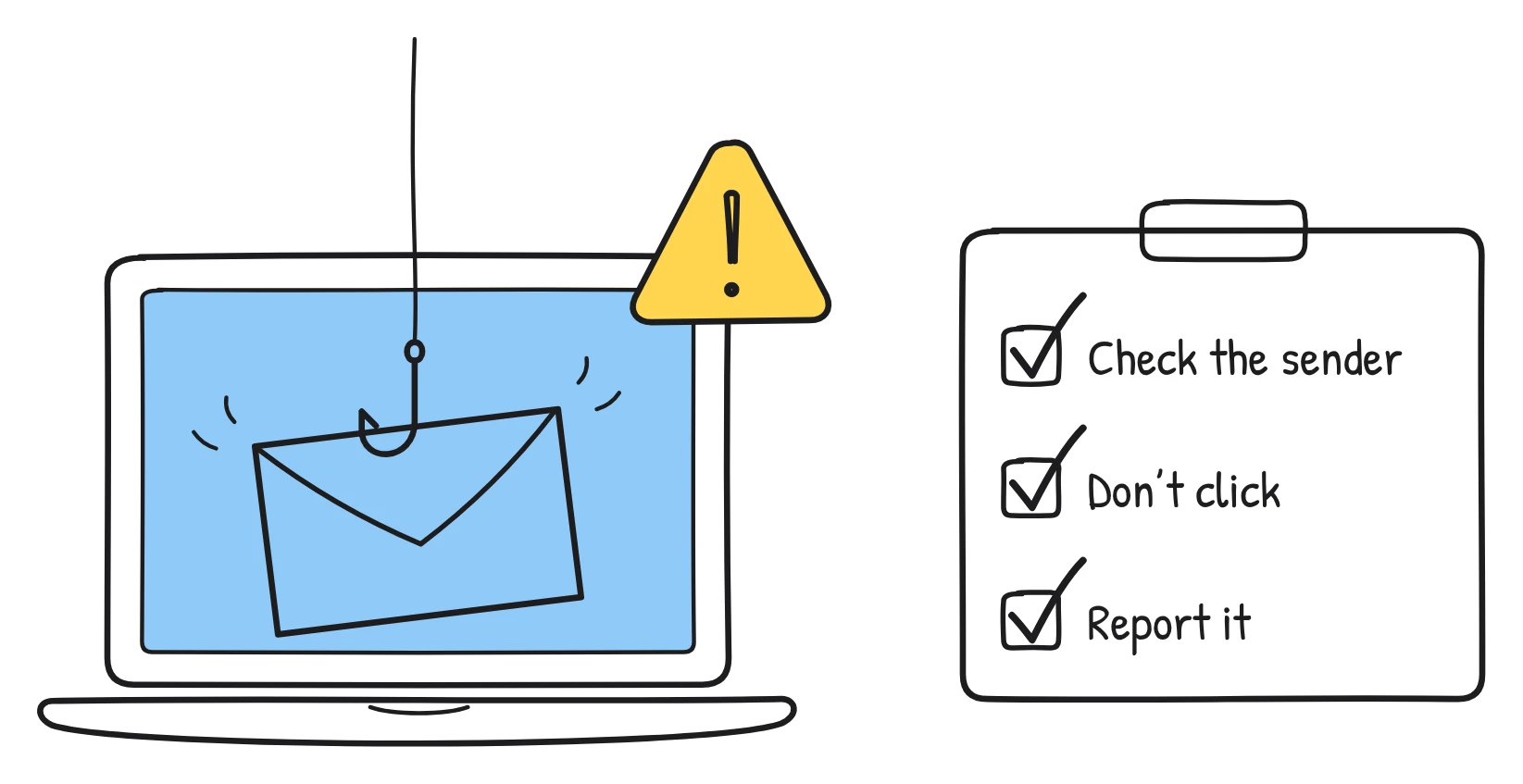
| Phishing emails | The “urgent” email from your CEO: three things to check before you click | 1 min | Whiteboard |
| Passwords and multi-factor sign-in | Why one reused password can unlock five accounts, and what a passphrase looks like | 1 min | Notebook |
| Personal data basics (GDPR) | One ordinary morning at your desk, and every piece of personal data you touch | 2 min | Whiteboard |
| Requests for personal data | A customer asks “what do you hold about me?”: who handles it and where to send it today | 1 min | Blueprint |
| Reporting a data breach | You emailed a spreadsheet to the wrong person. What to do in the first hour | 1 min | Whiteboard |
| Clean desk and screen locking | Walk away for coffee: what a visitor could see on your desk and screen | 30 sec | Pencil |
| Using AI tools safely | What you can and can't paste into a chatbot, with three everyday examples | 1 min | Whiteboard |
| Anti-harassment | What counts as harassment, what to do if it happens to you, and how to report it | 3 min | Notebook |
| Being an active bystander | Simple ways to step in when you see something wrong, from a distraction to a quiet check-in afterwards | 2 min | Pencil |
| Speaking up (whistleblowing) | How to raise a concern, what happens after you do, and what the policy promises you | 2 min | Pencil |
| Anti-bribery | The gift basket test: when does a thank-you become a problem? | 2 min | Blueprint |
| Gifts and hospitality register | What to record, when, and where the register lives | 1 min | Notebook |
| Conflicts of interest | Your partner's company bids for a contract you manage: what to declare and to whom | 1 min | Whiteboard |
| Anti-money laundering red flags | Five warning signs in a customer transaction and who to tell | 2 min | Blueprint |
| Code of conduct | Our code of conduct in five everyday decisions | 3 min | Whiteboard |
| Social media and confidentiality | What you can post about work, and what stays inside | 1 min | Notebook |
| Health and safety induction | Fire exits, first aiders and how to report a near miss in your building | 2 min | Blueprint |
| Manual handling | Lifting a box the right way, drawn one step at a time | 1 min | Pencil |
| Workstation set-up | Set up your chair, screen and keyboard in a minute | 1 min | Notebook |
| Modern slavery in supply chains | Warning signs at a supplier and how to raise them | 2 min | Chalkboard |
Notice that none of the angles is “an overview of our data protection policy”. Each one starts from a moment. If you have a longer policy to cover, split it into several of these moments and release them as a short series. Our guide to microlearning videos shows how to break a long module into pieces.
How do you make compliance training less dull?
You make compliance training less dull by making it shorter, more specific and more about your people's real day than about the law. These ten habits make the biggest difference.
- Start with a scene, not a clause. “It's Friday afternoon and an invoice lands in your inbox” beats “This module covers our Information Security Policy, version 3.”
- Teach one behaviour per video. If you can't say the behaviour in one sentence, the video is trying to do too much.
- Use your own world. Name your real systems, your real reporting route and the kind of customers you actually have. Generic examples feel like someone else's training.
- Keep it short. Most topics need 1–3 minutes. See how long a training video should be for the research on attention.
- Show the wrong way, then the right way. A quick “here's what went wrong” makes the correct step stick.
- End with the action and where to go. The last scene should say exactly what to do and who to contact, in plain words.
- Define the one term you must use. If the law gives you a word like “personal data” or “facilitation payment”, explain it once with an example, then use it consistently.
- Spread it out. A meta-analysis of 317 experiments found that spaced study led to markedly better recall than massed study. Short reminders across the year beat one long session every January.
- Turn captions on. Many people watch at their desks with the sound off.
- Add a quick question afterwards. Use your LMS quiz tool for one or two questions on the behaviour you taught.
What does a compliance video script look like?
A compliance video script is a short list of scenes, each with what the narrator says and what is drawn on screen. Here is a complete one-minute script for the first idea on the list: phishing. It runs to about 120 words of narration, which fits comfortably in a minute with time for the drawings to land.
Scene 1. Says It's four o'clock on a Friday. An email from your CEO says: “I need you to buy gift cards for a client. Urgently. Reply only to me.”
Drawn A laptop on a desk with a clock showing 4:00. An email on screen with a red exclamation mark and the word URGENT.
Scene 2. Says It looks real. But before you act, check three things.
Drawn The same email with a magnifying glass hovering over it and the number 3 in a circle.
Scene 3. Says One: the sender. Hover over the name. Is the address really ours, or one letter off?
Drawn A close-up of a sender line with the address slightly misspelt and an arrow pointing to the wrong letter.
Scene 4. Says Two: the pressure. Urgency, secrecy and gift cards are the classic signs of a scam.
Drawn Three labelled icons side by side: a stopwatch for urgency, a padlock for secrecy, a gift card for payment.
Scene 5. Says Three: the link or attachment. If you weren't expecting it, don't open it.
Drawn A cursor stopped just above a link, with a hook drawn at the end of the link.
Scene 6. Says Not sure? Don't reply. Use the Report button in your inbox, or forward it to the security team.
Drawn An inbox toolbar with a Report button circled, and an arrow to a shield labelled Security team.
Scene 7. Says Reporting takes ten seconds. A bad click can take weeks to fix. When in doubt, report it.
Drawn A balance scale: a small stopwatch labelled 10 seconds on one side, a large calendar labelled weeks on the other.
Adapt the last two scenes to your own reporting route before you use it. If your organisation doesn't have a Report button, say exactly where to forward the email instead.
Which look suits which compliance topic?
The look should match the tone of the topic. Whiteboard (black marker on a clean white board) is neutral and works for almost anything. Notebook (blue ballpoint on ruled paper) feels friendly and informal, which suits everyday habits like passwords. Pencil (graphite on warm paper) is softer and calmer, which helps with sensitive topics like harassment and speaking up. Blueprint (white lines on an engineer's grid) suits processes, floor plans and anything with steps. Chalkboard (soft chalk on a green slate) feels like a lesson and works for awareness topics.
How do you turn a policy into a video with Sketchflare?
You can go from policy to finished video in a few minutes. Here is the process.
- Start from what you have. Upload the policy (PDF, TXT or Markdown; text-based PDFs work best), type a topic like “spotting phishing emails for office staff”, or choose “Paste my script” if your legal team has already approved the wording. Paste my script keeps every word you wrote.
- Choose the options. Pick a look, a voice (or captions only), a length from about 30 seconds to 10 minutes, a shape and one of 16 languages.
- Press “Make my video”. Sketchflare splits the script into scenes, draws each one as line art, records the voice-over and adds word-by-word captions.
- Check every scene. In the editor you can change what the narrator says, describe a different drawing and press “Draw it again”, or upload your own SVG.
- Publish it. Download an MP4 with .srt or .vtt subtitles, share a link, or on Pro and Team download a SCORM 1.2 package that reports completion to your LMS when about 90% has been watched. See what SCORM is if that's new to you.
For teams in several countries, Pro and Team plans can make a translated copy of a video in any of the 16 languages, including the text inside the drawings. The brand kit adds your ink colour, accent colours and logo to every frame. See compliance training videos for more on the workflow, and pricing for plan details.
How often should you refresh compliance videos?
Refresh a compliance video whenever the policy, the system or the risk changes, and send short reminders between full refresher sessions. Because each video covers one behaviour, you only need to remake the one that changed. Avoid putting names, phone numbers and dates in the narration; say “the security team” and link to the current contact details instead, so the video stays accurate for longer.
Questions
How long should a compliance training video be?
Most compliance topics work best at 1–3 minutes, with one behaviour per video. Use a 5-minute video only when a process genuinely has several steps, and split anything longer into a short series.
What are the most common compliance training topics?
Common topics include phishing and information security, data protection, anti-harassment, anti-bribery, conflicts of interest, health and safety, speaking up and the code of conduct. Which ones you need depends on your sector, country and policies.
Can a video replace annual compliance training?
A video can deliver much of the content, but it doesn't replace the policy, your risk assessment or your training records. Many teams use short videos inside their LMS, with a quiz and completion tracking, as part of the wider programme.
How do I track who watched a compliance video?
Upload it to your LMS as a SCORM package so completion is recorded against each learner. Sketchflare's Pro and Team plans export SCORM 1.2, which reports completion when about 90% of the video has been watched.
Can I use exact policy wording in the video?
Yes. In Sketchflare choose “Paste my script” and the narration keeps every word you wrote, which is useful when legal or compliance has already approved the text.
Sources
- UK Department for Science, Innovation and Technology: Cyber security breaches survey 2025
- GDPR Article 39: Tasks of the data protection officer
- Ministry of Justice: Bribery Act 2010 guidance
- Health and Safety Executive: Provide information, training and supervision
- GOV.UK: New protections from sexual harassment come into force (26 October 2024)
- Cepeda et al. (2006), Distributed practice in verbal recall tasks: a review and quantitative synthesis, Psychological Bulletin