What is SCORM?
SCORM stands for Sharable Content Object Reference Model. It is a set of technical standards for e-learning, developed under the Advanced Distributed Learning (ADL) initiative, that governs two things: how learning content is packaged, and how it exchanges data with a learning management system (LMS) while a learner is using it.
In plain terms: SCORM is why you can build a course or a video in one tool, upload it to Moodle, TalentLMS, Docebo or another LMS, and see in your reports who opened it and who finished it. Without a shared standard, every authoring tool would need a custom connection to every LMS.
What is inside a SCORM package?
A SCORM package is a single .zip file containing the learning content (web pages, video, images, scripts) and a file called imsmanifest.xml that tells the LMS what is in the package and how to launch it. The manifest has to sit at the top level of the zip, not inside a folder. TalentLMS's help centre names this as the most common reason uploads fail.
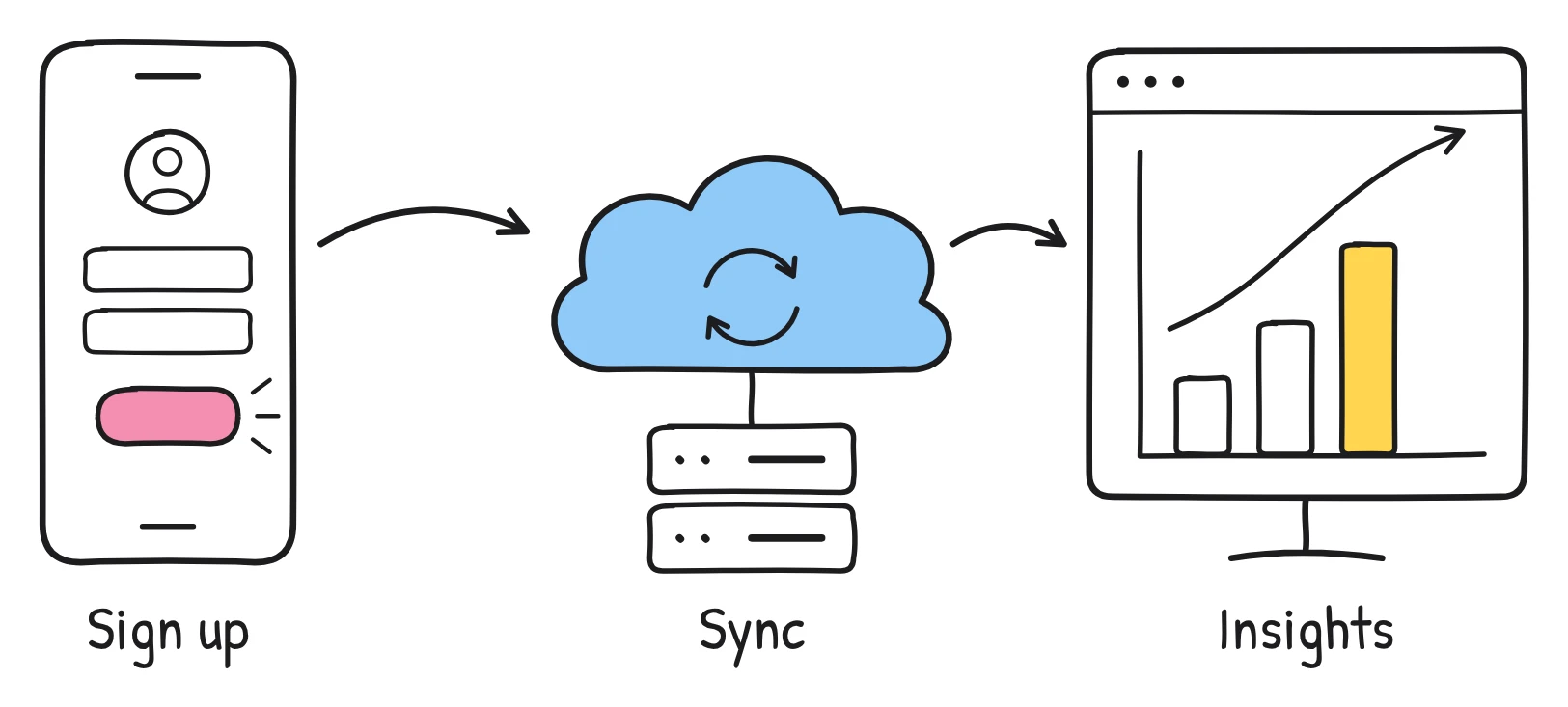
When a learner opens the package, the LMS launches the content in the browser and gives it a small set of commands it can use to report back: "the learner started", "here is their progress", "they completed it". The content sends those messages; the LMS stores them and shows them in reports.
What is the difference between SCORM 1.2 and SCORM 2004?
SCORM 1.2 (released in 2001) is simpler and the most widely supported; SCORM 2004 adds rules for sequencing and reports "completed" and "passed" as separate statuses. SCORM 2004 went through four editions between 2004 and 2009, and the 3rd Edition is the most widely used of them.
| SCORM 1.2 | SCORM 2004 (3rd/4th Edition) | |
|---|---|---|
| Released | October 2001 | 3rd Edition 2006, 4th Edition 2009 |
| How status is reported | One field: passed, completed, failed, incomplete, browsed or not attempted | Two fields: completion (completed, incomplete, not attempted, unknown) and success (passed, failed, unknown) |
| Sequencing (rules for the order of lessons) | No | Yes |
| Room to save a learner's progress (suspend data) | 4,096 characters | 64,000 characters |
| LMS support | Very wide; described on scorm.com as the industry workhorse | Wide, but not universal (for example, TalentLMS supports SCORM 1.2 only) |
| Good for | Videos, single lessons, simple courses | Long courses with saved progress, separate pass/fail, branching between lessons |
Which SCORM version should you use?
Use SCORM 1.2 unless you specifically need something only 2004 offers. For a video or a single short lesson, 1.2 does everything you need: it reports when the learner has completed it, it works in almost every LMS, and there is less to go wrong. Choose 2004 if your LMS supports it and you need sequencing across several lessons, a lot of saved progress, or separate completion and pass/fail results.
What are xAPI and cmi5?
xAPI and cmi5 are newer standards that track learning more flexibly than SCORM. You don't need them to put a video in an LMS, but you will see them in LMS feature lists, so it helps to know what they are.
- xAPI (Experience API, once called Tin Can) records learning as simple statements, like "Sam completed fire safety", sent to a Learning Record Store (LRS). It can track things SCORM can't, such as mobile apps, simulations and offline activity. It is now an IEEE standard (IEEE 9274.1.1-2023).
- cmi5 is a set of rules on top of xAPI for launching and tracking content from an LMS. It is often summed up as "xAPI plus an LMS", and was released in 2016, designed to be more flexible than SCORM while keeping the LMS at the centre.
Support varies. TalentLMS, for example, lists SCORM 1.2, xAPI and cmi5 as supported formats. If your LMS supports SCORM 1.2, that remains the safest common ground for a simple video.
What does "completion" mean in SCORM?
"Completion" means the content itself has told the LMS that the learner finished it. The LMS doesn't decide; the package does, based on rules its author set. For a quiz, that might be "answered every question". For a video, it is usually "watched most of it".
It is worth separating three ideas that are easy to mix up:
- Completed: the learner reached the end, or met the author's rule for finishing.
- Passed or failed: the learner met (or didn't meet) a score. Only content with an assessment reports this.
- Course completion in the LMS: your LMS's own rule, which might require several activities, including a SCORM package, to be completed.
So if your compliance report needs "completed", check two things: what the package reports, and what your LMS course completion rule is looking for.
How do you upload a SCORM package to an LMS?
In almost every LMS, you add a SCORM activity or unit to a course, upload the .zip file, choose a few display settings and save. Don't unzip the package first. The exact menu names differ:
Moodle
- Open the course and turn editing on.
- Choose "SCORM package" from the activity chooser.
- Give it a name and, if you like, a description.
- In the Package section, upload your .zip file.
- Review the Appearance and Attempts management settings, then save and return to the course.
TalentLMS
- Open the course for editing.
- Add a learning activity and choose the "SCORM | xAPI | cmi5" option.
- Upload the .zip file.
- Choose whether it opens embedded in the page or in a pop-up window.
- Save and publish the unit.
TalentLMS supports SCORM 1.2 single-SCO packages, and does not currently support SCORM 2004 or multi-SCO packages, so check the version before you upload.
Docebo
- Open the course in the admin area.
- Add training material and choose SCORM.
- Upload the .zip file and save.
- Wait for processing to finish, then preview it to check it plays.
Docebo supports SCORM 1.2 and SCORM 2004 3rd Edition.
What are the most common SCORM problems?
Most SCORM problems come from how the zip was built, from a version mismatch, or from the learner leaving before the content reported completion. Here is how to diagnose the usual suspects:
| Problem | Likely cause | Fix |
|---|---|---|
| "Not a valid SCORM file" or upload error | imsmanifest.xml is inside a folder in the zip, or the file was re-zipped wrongly | Unzip, select the files inside the folder (not the folder), and zip those. Or re-download the original package. |
| Upload rejected | The LMS doesn't support that SCORM version or multi-SCO packages | Export as SCORM 1.2 if your LMS only supports 1.2. |
| Upload error with an odd file name | Special characters in file or folder names | Rename using plain letters, numbers and hyphens. |
| Learner finished but shows "incomplete" | They closed the window before the content reported completion, or the completion rule wasn't met | Ask them to reopen and finish; check the package's completion rule and the LMS course rule. |
| Blank screen or stuck after an update | Saved progress (bookmark) from the old version | Reset suspend data or bookmarks when you replace the package, if your LMS offers it. |
| Progress not saved in a long course | Suspend data limit reached (4,096 characters in SCORM 1.2) | Use SCORM 2004 3rd Edition if your LMS supports it, or split the course. |
If a package still misbehaves, test it in a neutral SCORM player such as SCORM Cloud. If it works there, the issue is in your LMS settings; if it doesn't, the package needs fixing.
How does Sketchflare's SCORM export work?
On Pro and Team plans, Sketchflare downloads any video as a SCORM 1.2 package that plays in your LMS and reports the video as complete once the learner has watched about 90% of it. SCORM 1.2 is the version most LMSs accept, including Moodle, TalentLMS and Docebo.
- Make your video from a topic, a PDF or your own script. See how to turn a PDF into a video.
- Review and edit the scenes in the studio.
- Download the video as a SCORM 1.2 package (a .zip file).
- Upload the .zip to your LMS as a SCORM activity, using the steps above.
- Test with a learner account: watch to the end and check the report shows "completed".
A few honest limits: the package reports completion only. It has no quiz, score or branching, and Sketchflare doesn't provide analytics beyond that completion status. If you need a pass mark, pair the video with a quiz built in your LMS. If you don't need tracking at all, the MP4 or a share link is simpler. More detail is in download, share and SCORM.
Do you always need SCORM?
No. SCORM matters when you need your LMS to record who completed something, such as mandatory compliance or onboarding training. For optional learning, team updates or videos shared in chat, an MP4 or a share link is simpler and works everywhere. Many LMSs also accept a plain video file, though they may track it differently or not at all.
Questions
What does SCORM stand for?
Sharable Content Object Reference Model. It is a set of standards for packaging e-learning content and for how that content reports progress to a learning management system.
Is SCORM 1.2 or SCORM 2004 better?
Neither is better for everything. SCORM 1.2 is simpler and works in more LMSs, which makes it the safer choice for videos and short lessons; SCORM 2004 adds sequencing, separate pass/fail and more room to save progress.
Is SCORM still used?
Yes. Newer standards such as xAPI and cmi5 exist, but SCORM, especially 1.2, remains widely supported by LMSs and authoring tools.
Can a video be a SCORM package?
Yes. A video can be wrapped in a SCORM package that plays it and reports completion, usually once most of it has been watched. Sketchflare's SCORM 1.2 export reports completion at about 90% watched.
Why does my SCORM package fail to upload?
The most common reason is that imsmanifest.xml is not at the top level of the zip, often because the folder was zipped instead of its contents. A version your LMS doesn't support, or special characters in the file name, are the next most likely causes.
Do I need to unzip a SCORM package before uploading?
No. Upload the .zip file as it is. The LMS unpacks it for you.
Sources
- scorm.com: SCORM explained
- scorm.com: SCORM versions
- scorm.com: SCORM run-time reference
- xapi.com: What is xAPI?
- xapi.com: cmi5
- Moodle Docs: SCORM activity
- TalentLMS Help: SCORM in TalentLMS, overview, setup and best practices
- TalentLMS Help: supported eLearning protocols (SCORM 1.2, xAPI and cmi5)
- TalentLMS Help: common SCORM errors and how to resolve them
- Docebo Help: uploading and managing SCORM as training material