What is microlearning?
Microlearning is a way of designing training as a series of short, self-contained lessons, each focused on one objective. A microlearning video might teach how to give specific praise, how to spot a fake invoice or how to log a near miss. It doesn't try to cover the whole topic, just one useful piece of it.
There is no official length. In practice, most microlearning videos run between 30 seconds and three minutes. What matters more than the number is the rule behind it: if a learner can't say what they learned in one sentence after watching, the video is doing too much.
Microlearning isn't a different kind of content. It's the same material, cut differently and delivered over time. That's why it suits teams that already have a long e-learning module, a slide deck or a policy document they want people to actually remember.
Does microlearning actually work?
The research supports the ingredients of microlearning: short videos, spaced over time, with a chance to recall what was learned. Four well-known findings are worth knowing.
We forget quickly at first, then more slowly
In the 1880s, Hermann Ebbinghaus measured how fast he forgot lists of nonsense syllables and plotted the result as a forgetting curve. In 2015, researchers at the University of Amsterdam repeated his experiment and got a curve very close to the original, with the rate of forgetting slowing down over time. The practical lesson: a single training session, however good, fades unless something brings it back.
Spacing beats cramming
A 2006 meta-analysis in Psychological Bulletin looked at 839 assessments from 317 experiments on spaced practice. Spaced presentations led to markedly better final-test performance than massed ones, and the best gap between study sessions grew the longer people needed to remember the material. For training, that means a few short sessions spread over weeks beat one long session.
Recalling beats rereading
In a 2006 study by Roediger and Karpicke, students who were tested on a passage remembered more of it two days and one week later than students who simply studied it again, even though restudying looked better on a test five minutes later. A short question after each micro video, or at the start of the next one, uses the same effect.
Shorter videos hold attention
Researchers who analysed 6.9 million viewing sessions on edX found that median engagement time was at most six minutes, whatever the video's length, and that viewers often made it less than halfway through videos longer than nine minutes. They recommended cutting videos into chunks of under six minutes.
How long should a microlearning video be?
A microlearning video should be as long as one objective needs, which for most workplace topics is one to three minutes. As a rough guide:
- 30 seconds: a reminder of something already taught, such as “three signs of a phishing email”.
- 1 minute: one rule or one decision, with an example.
- 2–3 minutes: one skill with a few steps, or a concept with a worked example.
- 5 minutes: the upper limit for a single micro lesson. If you need more, you probably have two objectives.
For more detail, including how length changes by audience, see how long a training video should be.
How do you break a course into micro videos?
Break a course into micro videos by listing what learners should be able to do afterwards, then giving each of those actions its own video. Here is the process step by step.
- Write the objectives as verbs. “Give specific praise”, not “understand feedback”. Each verb is a candidate video.
- Cut the background. History, definitions nobody asked for and long introductions are the first to go. Keep only what a learner needs to act.
- Put the “why” first. The first video should explain why the topic matters to the learner, in their terms.
- Give each video one example. A specific, realistic situation from your workplace does more than three generic ones.
- End each video with the action. The last scene should say exactly what to do next.
- Add a recap video. A 30-second summary sent a few weeks later is the cheapest spacing you can do.
- Add a question in your LMS. One or two quick questions after each video turn watching into recall.
- Schedule the release. Send two or three videos at a time, spaced over days or weeks, instead of all at once.
What does a 30-minute module look like as micro videos?
Here is a worked example. A company has a 30-minute e-learning module called “Giving useful feedback” for new managers. It has 40 slides, a long introduction, two case studies and a summary. Split by objective, it becomes eight micro videos.
| # | Video | Objective (the learner can…) | Length | Send on |
|---|---|---|---|---|
| 1 | Why feedback is part of your job | Explain why regular feedback matters to their team | 1 min | Day 1 |
| 2 | Situation, behaviour, impact | Structure feedback with the SBI model | 2 min | Day 1 |
| 3 | Praise that's specific | Turn “good job” into feedback someone can repeat | 1 min | Day 3 |
| 4 | Raise a problem early | Bring up a small issue before it becomes a big one | 2 min | Day 3 |
| 5 | The first 30 seconds of a hard conversation | Open a difficult conversation calmly and clearly | 2 min | Day 7 |
| 6 | Listen before you fix | Ask open questions and check understanding | 2 min | Day 7 |
| 7 | Agree next steps | End with a clear action and a follow-up date | 1 min | Day 14 |
| 8 | Recap: the feedback checklist | Recall the whole approach in one go | 30 sec | Day 30 |
The eight videos add up to about 11 and a half minutes, against 30 for the original. Nothing important was lost. The long introduction became one minute in video 1. The two case studies were cut down to one example each in videos 4 and 5. The slides that repeated each other disappeared. The final recap arrives a month later, just as the earlier lessons would otherwise start to fade.
Each video also stands on its own. A manager who has a hard conversation next Tuesday can rewatch video 5 in two minutes without scrolling through a 30-minute module to find it.
How do you make micro videos quickly?
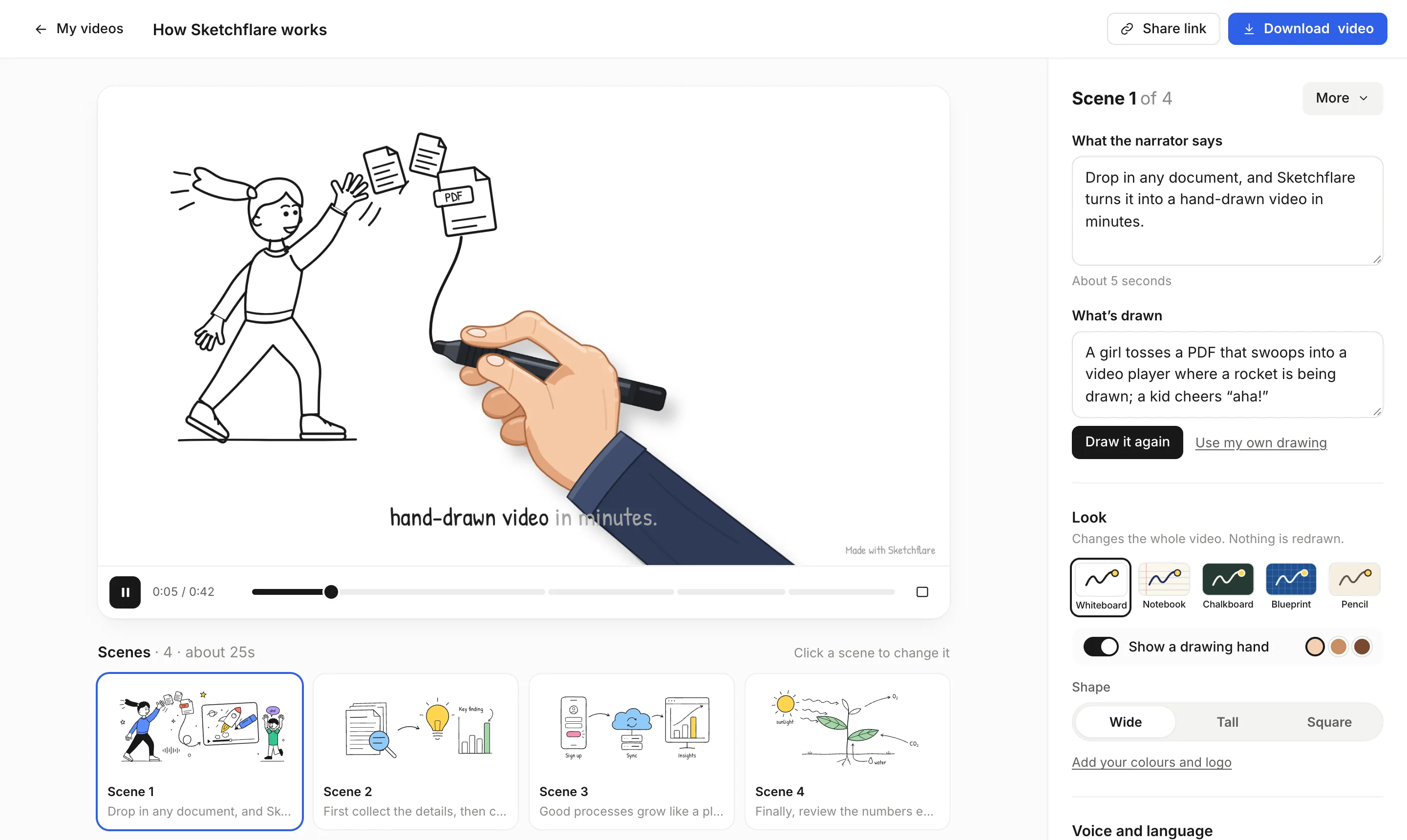
The slow part of microlearning is usually production: eight videos sounds like eight times the work. A tool that draws and narrates for you changes the maths. In Sketchflare you can upload the original module as a PDF (text-based PDFs work best) and ask for a one-minute video on one section, or paste each short script with “Paste my script” so the narration stays word for word.
Keep the series consistent by using the same look and voice for every video. Whiteboard is a safe default; Notebook feels lighter for soft skills. If you change your mind, switching the look changes the whole video instantly, without redrawing. Each scene can be edited on its own, so fixing one line of narration doesn't mean remaking the video.
How do you deliver micro videos to learners?
Deliver micro videos where your people already are: the LMS for tracked training, chat for reminders, and a link for everyone else.
- Your LMS, via SCORM. Upload each video as its own SCORM package so completion is recorded per learner. Sketchflare's Pro and Team plans export SCORM 1.2, which works with Moodle, TalentLMS, Docebo and most LMSs and reports completion when about 90% has been watched. New to this? Read what SCORM is.
- A share link. Anyone with the link can watch without an account, and you can switch sharing off any time. Good for reminders and for people outside your LMS.
- Slack or Microsoft Teams. Post the share link, or the MP4, in a team channel on a schedule. A short video with one line of context works well as a weekly tip.
- Phones. For people who watch on the move, make a Tall 9:16 version. Captions matter here, because many people watch with the sound off.
- Your intranet. Download the MP4 with .vtt subtitles for web players.
How do you measure whether microlearning works?
Measure microlearning in three layers: did people watch, did they remember, and did they change what they do. Completion comes from your LMS reports when you deliver through SCORM. Recall comes from the quick questions you add in the LMS. Behaviour comes from your own data, such as fewer phishing clicks in a simulation, fewer repeat safety incidents or better scores in a manager survey. Compare against what happened with the old long module, so you know whether the change was worth it.
What are the most common microlearning mistakes?
- Chopping by time, not by objective. Cutting a 30-minute video into ten three-minute clips gives you ten fragments, not ten lessons.
- Releasing everything at once. Without spacing, a series of micro videos is just a long course with extra clicks.
- No recall. Watching feels like learning. A question afterwards is what makes it stick.
- Losing the thread. Give the series a name and number the videos so learners know where they are.
- Forgetting to retire old videos. When the process changes, update or remove the video that teaches it.
Questions
What is a microlearning video?
A microlearning video is a short, self-contained lesson, usually 30 seconds to three minutes long, that teaches one specific objective. It's typically part of a series released over days or weeks.
How long should microlearning be?
Most microlearning videos are one to three minutes long. Use 30 seconds for reminders and treat five minutes as the upper limit; beyond that you probably have two objectives.
Is microlearning effective?
Research supports its main ingredients: spaced study beats cramming, recalling information beats rereading it, and viewers engage more with short videos. Check your own completion and results to confirm it works for your audience.
How do I put microlearning videos in my LMS?
Export each video as a SCORM package and upload it as an activity. Sketchflare's Pro and Team plans export SCORM 1.2, which reports completion when about 90% of the video has been watched.
Can I turn an existing e-learning module into microlearning?
Yes. List the module's objectives, give each one its own short video, cut the background material, and add a short recap a few weeks later. A 30-minute module often becomes six to ten micro videos.
Sources
- Murre and Dros (2015), Replication and analysis of Ebbinghaus' forgetting curve, PLOS ONE
- Cepeda et al. (2006), Distributed practice in verbal recall tasks: a review and quantitative synthesis, Psychological Bulletin
- Roediger and Karpicke (2006), Test-enhanced learning: taking memory tests improves long-term retention, Psychological Science
- Guo, Kim and Rubin (2014), How video production affects student engagement: an empirical study of MOOC videos