What is an explainer video script?
An explainer video script is the narration of a short video, written scene by scene, with a note of what the viewer sees alongside each line. It is not an essay or a slide deck read aloud. It is written to be heard once, at speaking pace, while pictures carry part of the message.
That last point is what makes explainer scripts different. In a document, every detail has to be in the words. In a video, the drawing can show the "where" and "what" so the narration can focus on the "why" and "what to do".
What structure should an explainer video script follow?
Most explainer scripts work best with six parts in this order: hook, problem, explanation, example, recap and call to action. Marketing explainers often add social proof or a "picture of the future"; for training and lessons, a worked example does that job better.
| Part | What it does | Share of a 2-minute script | Example line |
|---|---|---|---|
| Hook | Makes the viewer care in the first few seconds | 5–10% | "It's Monday morning. An email says your password expires today." |
| Problem | Names the risk, mistake or question | 10–15% | "Phishing emails pretend to come from someone you trust." |
| Explanation | Gives the rule, steps or idea | 35–45% | "Before you click, check three things." |
| Example | Applies the idea to a realistic case | 15–20% | "Here's one that looks real…" |
| Recap | Repeats the core message in a few words | 5–10% | "Sender, link, pressure." |
| Call to action | Tells the viewer exactly what to do next | 5–10% | "When in doubt, report it." |
Hook
Open with a situation the viewer recognises, a question they have asked, or a surprising consequence. Avoid "Welcome to this video about…": the title already told them that. For training, a short scene from their own working day is usually the strongest hook.
Problem
Say plainly what goes wrong, or what people get confused about. One or two sentences. If you can't state the problem simply, the video probably covers too much.
Explanation
This is the core. Use numbered steps or a small set of rules: three is easy to remember, five is a stretch, seven is a document. Give each step its own scene.
Example
Walk through one realistic case using the steps you just taught. Examples turn a rule into something people can picture in their own work, and they are often the part viewers remember.
Recap and call to action
Repeat the steps in a handful of words, then end with one action. "Report it", "book your session", "try the checklist on your next order". One action, not three.
How many words should an explainer video script be?
Plan on about 130–150 words for every minute of video, which is a comfortable voice-over pace. Around 150 words per minute is a common working figure; slow towards 130 for dense or technical material, or for viewers watching in a second language.
| Target length | Words (130–150 wpm) | Good for |
|---|---|---|
| 30 seconds | 65–75 | One tip, a teaser, a Short or Reel |
| 1 minute | 130–150 | One rule or one product feature |
| 2 minutes | 260–300 | A process with 3–5 steps, a policy summary |
| 3 minutes | 390–450 | A topic with an example and a few edge cases |
| 5 minutes | 650–750 | A full lesson or onboarding module section |
| 10 minutes | 1,300–1,500 | Rarely ideal; consider a short series instead |
Shorter is usually better for engagement. A large study of edX course videos found that shorter videos were much more engaging. If your script keeps growing, split it into a short series. Our guide on how long a training video should be goes into this in more detail.
How do you write for pictures?
Write every scene in two columns, "what's said" and "what's drawn", and make the drawing do work the words don't have to. If the narrator says "check the sender", the drawing can show a magnifying glass over a suspicious email address, so the narration never has to spell out the address.
- Draw nouns, not ideas. "Compliance" can't be drawn; "a signed form with a tick" can. Turn abstract words into a concrete object or a simple metaphor.
- Keep on-screen text to labels. A word, a number or a short phrase. Viewers can't read a sentence while listening to a different one.
- Match the count. If the narrator says "three things", draw three numbered boxes.
- Don't narrate the picture. Skip "as you can see here". Say what it means instead.
- One scene, one idea. If a "what's drawn" note needs more than two sentences, split the scene.
- Describe placement simply. "Left: today. Right: next time." is enough for an illustrator or an AI to work from.
Worked example: a 2-minute phishing awareness script
Here is a complete script for a security awareness video aimed at all staff. It follows the six-part structure and runs to roughly 270 words, which is about two minutes at a calm pace. The "what's drawn" notes are written so that a designer, a tool like VideoScribe or an AI can draw from them.
Scene 1. Says It's Monday morning. An email from "IT Support" says your password expires today. There's a big blue button. You click it. That one click is all an attacker needs.
Drawn A laptop on a desk with an email open, subject "Password expires today". A mouse cursor over a large "Reset now" button.
Scene 2. Says Phishing emails pretend to come from someone you trust, like your bank, a supplier or even your manager, to get you to click a link, open a file or share a password.
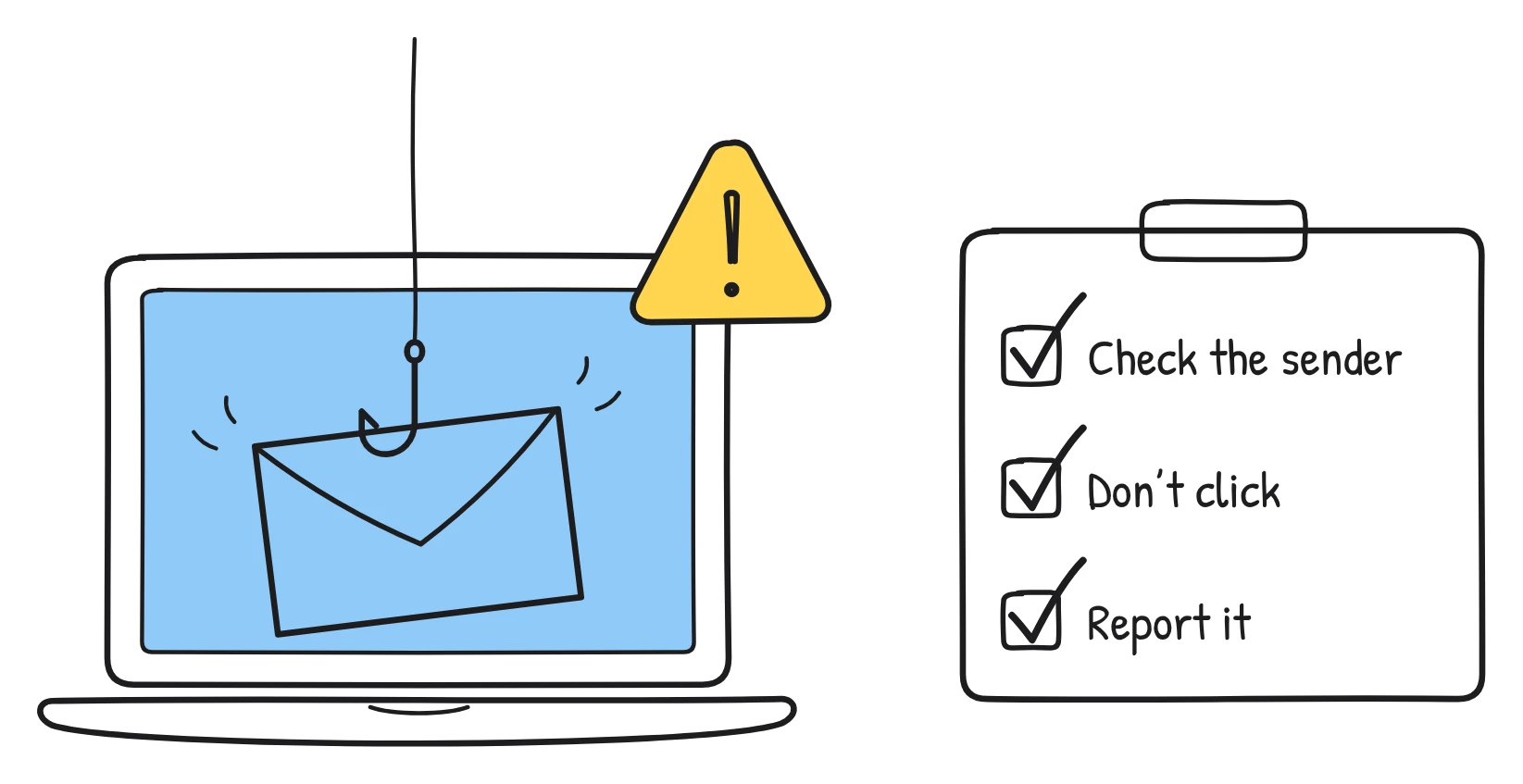
Drawn A fishing hook coming out of an envelope. Around it, three small labels: "bank", "supplier", "manager".
Scene 3. Says They work because they look normal, and because they make you hurry. When we rush, we skip the checks we'd normally make.
Drawn An ordinary-looking envelope with a stopwatch next to it, labelled "urgent!".
Scene 4. Says So before you click, check three things. First, the sender. Look at the full email address, not just the name. "IT Support" from an address you don't recognise is not IT support.
Drawn A large magnifying glass over the address "it-support@secure-l0gin.co", with the zero in "l0gin" circled. A number 1 in the corner.
Scene 5. Says Second, the link. Hover over it without clicking. If the web address it shows doesn't match where it claims to go, don't click.
Drawn A cursor hovering over a "Reset password" button. A small pop-up below shows an odd web address, with a cross beside it. A number 2 in the corner.
Scene 6. Says Third, the pressure. Tight deadlines, threats, or a request to keep things quiet are classic warning signs. A real colleague or supplier can wait five minutes while you check.
Drawn Three warning triangles labelled "Act now", "Account locked" and "Keep this between us". A number 3 in the corner.
Scene 7. Says Let's try one. "Invoice overdue. Pay today to avoid legal action." It's from a supplier you've never heard of, with a zip file attached. Sender? Unknown. File? Unexpected. Pressure? Plenty. That's phishing.
Drawn An email with the subject "Invoice overdue" and a zip file icon. Beside it, a checklist: "Sender", "Link or file", "Pressure", each with a red cross.
Scene 8. Says If you're not sure, don't reply and don't click. Use the report phishing button in your email, or forward it to the IT security team. Don't forward it to colleagues to ask what they think.
Drawn A finger pressing a large button labelled "Report phishing". An arrow runs from the button to a shield labelled "IT security".
Scene 9. Says Already clicked, or typed in your password? Tell IT straight away. Reporting quickly matters far more than feeling embarrassed.
Drawn A person on the phone with a speech bubble saying "I clicked a link". A clock beside them labelled "now".
Scene 10. Says So, three checks: the sender, the link and the pressure. And whenever you're in doubt, report it.
Drawn Three numbered boxes: "1 Sender", "2 Link", "3 Pressure". Underneath, in larger letters: "Doubt? Report it."
A few things to notice. The hook is a moment from the viewer's own day. Each check gets its own scene and its own number on screen. The example re-uses the exact three checks, so it doubles as practice. The ending repeats the checks in three words and gives one action. Replace "report phishing button" and "IT security team" with whatever your organisation actually uses.
How do you edit an explainer video script?
Edit by reading the script aloud, timing it, and cutting anything that doesn't move the viewer towards the call to action. Use this checklist before you record or generate anything:
- Time it aloud. Does it fit the target length at a calm pace? If not, cut words rather than planning to speak faster.
- Check the first ten seconds. Would the viewer keep watching? Remove any welcome or introduction.
- One idea per scene. Split any scene that covers two points.
- Plain words. Replace jargon and acronyms, or explain them the first time.
- Short sentences. Break up anything you stumble over when reading aloud.
- Every line has a picture. If you can't say what's drawn, the line may be filler.
- Numbers match. "Three steps" means three steps on screen and in the narration.
- Facts checked. Every figure, date, name and rule matches the current policy or source.
- One call to action. The last scene tells the viewer exactly what to do.
- Accessible. Plan captions, and make sure the drawings don't rely on colour alone to carry meaning.
Should you write the script yourself or let AI draft it?
Either works, as long as a person who knows the subject reviews it. Writing it yourself gives you exact control over the wording, which matters for legal and compliance topics. Letting AI draft it from a document is faster, especially when you are turning a long policy into a short video, but you still need to check every fact.
Sketchflare supports both. Choose "Paste my script" to keep every word you wrote, or type a topic or upload a PDF and let it draft the script for you. In the studio, each scene shows "What the narrator says" (with roughly how many seconds it takes) and "What's drawn", so you can edit the two columns exactly as described above. See how to edit scenes and narration.
What are the most common script mistakes?
- Reading the slide deck. Slides are written for the eye; scripts are written for the ear.
- Starting with background. Lead with the viewer's problem, not the history of the policy.
- Too many steps. If you have more than five, make two videos.
- Vague endings. "Stay safe" is not an action. "Report it with the button" is.
- Writing the words, then finding pictures. Plan both columns together so the drawings carry meaning.
Questions
How many words is a 60-second explainer video script?
About 130–150 words. That matches a comfortable voice-over pace of 130–150 words per minute; go towards the lower end for technical topics.
What is the best structure for an explainer video?
Hook, problem, explanation, example, recap and one call to action. It works for training, lessons and product videos alike.
Should I write the visuals into the script?
Yes. Write a short "what's drawn" note next to every line of narration. It keeps each scene to one idea and makes the video far easier to produce, whoever draws it.
How long should a training video script be?
For most single-topic training videos, 1–3 minutes, which is about 130–450 words. Longer topics usually work better as a short series.
Can AI write an explainer video script?
Yes, and it is a quick way to get a first draft from a document or topic. A subject expert should still review every fact and adjust the wording, especially for compliance and policy topics.
Sources
- VideoScribe: how to write the perfect explainer video script (130–150 words per minute, word counts by length)
- Bread & Beyond: how many words are in a 60-second video script? (150 words per minute)
- Guo, Kim & Rubin (2014), How video production affects student engagement: an empirical study of MOOC videos
- UBC Video Learning Hub: summary of Guo, Kim & Rubin (2014)